
Download JClic – educational activities, jigsaw puzzles, matching games, word puzzles, crosswords, interactive learning, multimedia integration, customizable projects, Java-based, student learning, teacher tools
Overview
JClic is a mobile educational application designed to support interactive and engaging learning experiences for students and educators. The app delivers a curated collection of educational activities, including jigsaw puzzles, matching games, word puzzles, and crosswords, which are structured to reinforce key learning objectives across various subjects. These activities are ideal for developing cognitive skills such as problem-solving, memory retention, and language comprehension. The app is particularly suited for classroom use, homeschooling environments, and self-paced learning scenarios.
Designed with educators in mind, JClic enables the creation of customizable projects that can be tailored to specific curricula or individual student needs. This flexibility allows teachers to focus on targeted learning goals, while students benefit from personalized content that adapts to their pace and level. The app supports multimedia integration directly from the internet, enhancing the richness of the learning experience by incorporating images, audio, and video elements into activities.
Although the developer did not provide additional technical details, JClic is built on Java, requiring the Java Runtime Environment (JRE) to function properly. This dependency ensures cross-platform compatibility, though users must manually ensure the runtime is installed. The app has been available since 2010, reflecting its long-standing presence in the educational technology space. Its enduring relevance underscores its value as a reliable tool for interactive learning in both formal and informal educational settings.
Key Features & Functionality
- Diverse Educational Activities: JClic offers a broad range of interactive exercises, including jigsaw puzzles, matching games, word puzzles, and crosswords. These formats cater to different learning styles and subject areas, making the app suitable for language learning, math, science, and general knowledge development.
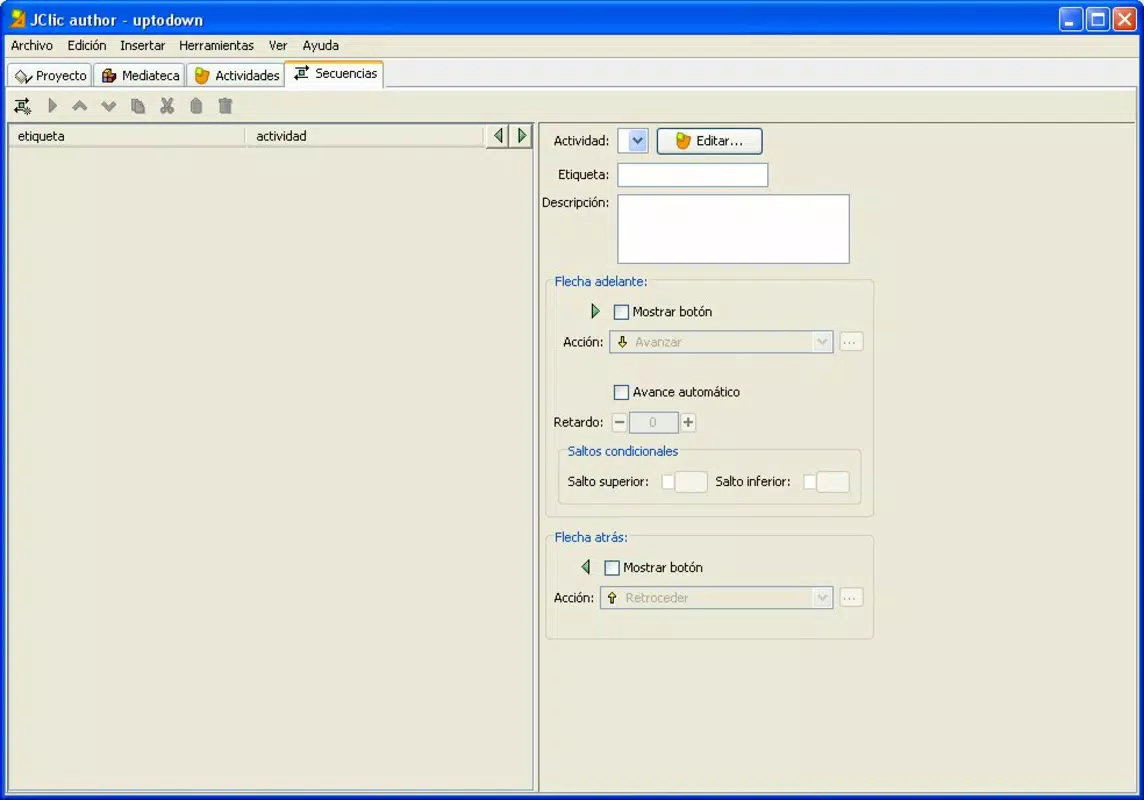
- Customizable Projects: Educators and learners can design unique projects by selecting specific activities and arranging them in a preferred sequence. This feature supports differentiated instruction and allows for targeted skill reinforcement based on individual or group learning goals.
- User-Friendly Interface: The app features a clean, intuitive layout with clear navigation and straightforward prompts. This design ensures that users of all ages and technical proficiency levels can operate the app independently, reducing setup time and enhancing usability in classroom or home settings.
- Multimedia Integration: JClic enables the inclusion of internet-based multimedia content such as images, audio clips, and video snippets directly within activities. This capability enriches the learning experience by making content more dynamic and contextually relevant.
- Java-Based Architecture: Built using Java, the app runs on any device with the Java Runtime Environment installed. This foundation supports stable performance and broad compatibility across different operating systems, provided the runtime is available.
For example, a teacher might create a project combining word puzzles for vocabulary building and jigsaw puzzles for visual-spatial reasoning, then integrate short video clips to explain key concepts. A student could use the app to review math terms through matching games, with audio pronunciation support for better retention.
Interface, UX & Performance
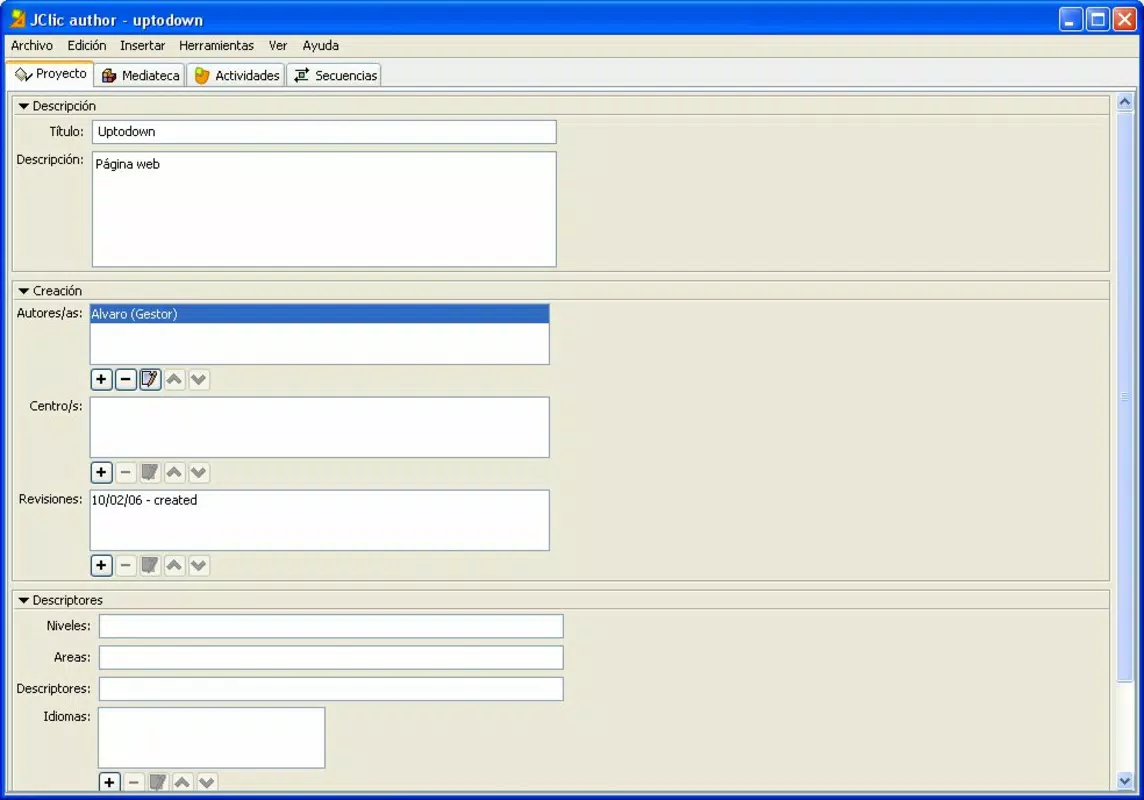
JClic features a straightforward and well-organized user interface that prioritizes accessibility and ease of navigation. The layout is minimalistic, with clearly labeled buttons and activity previews, allowing users to quickly locate and start tasks without confusion. The app’s design emphasizes functionality over ornamentation, which enhances its usability in educational environments where efficiency is key.
Navigation is linear and consistent across all activities, reducing cognitive load and supporting a smooth user journey. Users can move between projects, select activities, and access settings with minimal taps, making it suitable for younger learners or users with limited digital experience. Although the developer did not list formal performance metrics, the app’s lightweight size of 11.2 MB suggests efficient resource usage, which contributes to stable operation on a range of devices.
Performance is expected to be consistent on devices with the Java Runtime Environment properly installed. Responsiveness may vary depending on the device’s processing power and available memory, but the app’s simple interface and modest file size support reliable operation even on older hardware. Stability appears to be maintained over time, given the app’s long-standing release history since 2010.
Platform Compatibility & Technical Requirements
JClic is available on the Android platform and requires the Java Runtime Environment to function. The current version is 2.2.1, with a file size of 11.2 MB. While the developer did not specify minimum OS requirements, the app’s Java-based foundation suggests compatibility with Android devices that support Java applications.
Users must ensure that the Java Runtime is installed on their device prior to using JClic, as this is a mandatory dependency for the app to operate. The absence of detailed compatibility information means that users should verify the runtime’s availability on their specific device model. No additional permissions or hardware requirements were listed in the provided data.
Pros and Cons
- Free to download and use, making it accessible for schools and individual learners
- Supports a wide variety of educational activities tailored to different subjects and skill levels
- Projects can be customized to meet specific learning objectives and student needs
- Integrates multimedia content from the internet to enhance engagement
- Lightweight file size of 11.2 MB ensures efficient storage usage
- Java-based design allows for broad cross-platform compatibility
- Requires separate installation of the Java Runtime Environment, which may be unfamiliar to some users
- Developer did not provide detailed technical specifications or OS compatibility requirements
- Interface may appear dated compared to modern mobile app standards
- No official update frequency or support timeline was disclosed
- Limited availability information beyond Android platform
FAQ
Is JClic safe to download and use?
Yes, JClic is a free educational app available on Android. As long as it is downloaded from a trusted source and the Java Runtime Environment is properly installed, the app is considered secure for educational use.
Do I need to install Java to use JClic?
Yes, JClic is built on Java and requires the Java Runtime Environment (JRE) to function. Users must install JRE on their device before running the app.
Can I use JClic offline?
While JClic supports internet-based multimedia integration, users may be able to use previously downloaded content offline. However, real-time internet access is required for streaming multimedia during activity playback.
Is JClic available for iOS devices?
The provided information specifies that JClic is available on Android. No official iOS version or compatibility details were listed.
How often is JClic updated?
The developer did not disclose the update frequency. The app has been available since 2010, but no recent update schedule was provided.
Final Thoughts
JClic stands out as a durable and practical tool for educators and students seeking interactive, customizable learning experiences. Its diverse range of activities—jigsaw puzzles, matching games, word puzzles, and crosswords—provides a versatile platform for reinforcing knowledge across subjects. The ability to create tailored projects and integrate multimedia content enhances its educational value, making it a flexible resource for both classroom instruction and independent study.
While the app’s reliance on Java and lack of detailed technical documentation may present minor setup challenges, its free availability, lightweight design, and long-standing presence in the education sector underscore its reliability. For teachers looking for a no-cost, adaptable tool to support student engagement, JClic offers a compelling solution.
Download JClic now


